
Click to download now, finish the installation quickly, and directly unlock the all-round experience
Screenshots
Click to download now, finish the installation quickly, and directly unlock the all-round experience
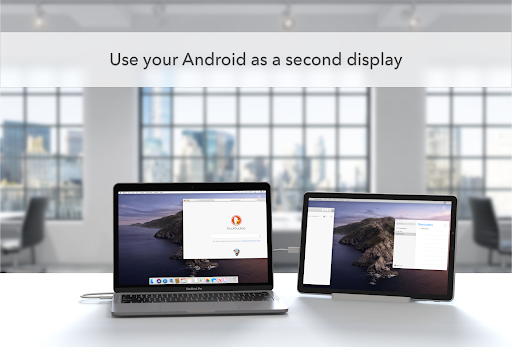
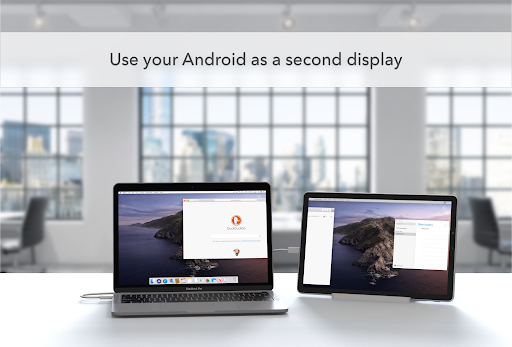
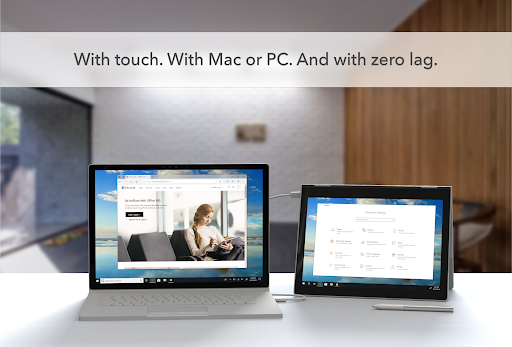
Duet Display turns an Android phone, tablet or Chromebook into an extra touchscreen display for a Mac or Windows PC. It suits people who work away from a desk, travel with a laptop, or want another screen without carrying a separate monitor. The Android device is the extra display; a companion Duet desktop app runs on the computer.
A second screen can be useful when your main display is already occupied: keep a reference document visible while writing, or leave another work window open while you focus on a task. On a trip, a phone or tablet you already carry can provide a more portable setup than a full-size monitor. Whether that is worthwhile depends on your screen size and how much space you have to work.
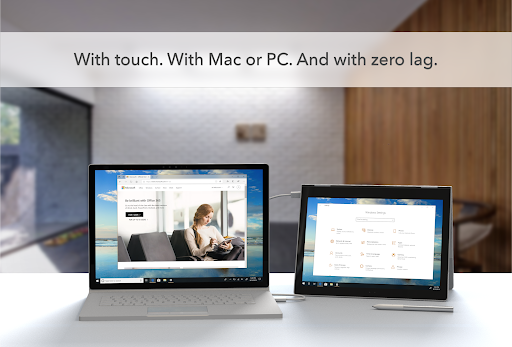
Duet supports touch interaction with the computer, including two-finger scrolling, panning and zooming. To connect, open Duet on the Android device and use the desktop app, which is designed to detect the device. The listed compatibility is Android 7.0 or later, MacOS 10.14 (Mojave) or later, and Windows 10 or later. Check that your computer meets those requirements before planning to rely on the extra screen.
This is most useful if you regularly need more workspace and are comfortable working from a phone, tablet or Chromebook screen. It is less compelling if your tasks fit comfortably on one display, or if a small screen would make the extra window difficult to read. Duet, Inc. is the developer. The app has a 4.24 rating from 7,630 ratings and 500,000+ installs, a useful indication of its reach, though not a guarantee that it will suit your particular devices or routine.