Spellai - AI Art Maker
POLYVERSE INC.
Downloads
1,000,000+
Source
Google Play
Click to download now, finish the installation quickly, and directly unlock the all-round experience
Screenshots
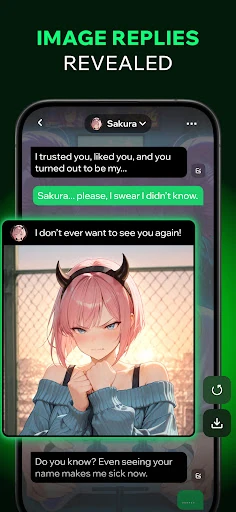
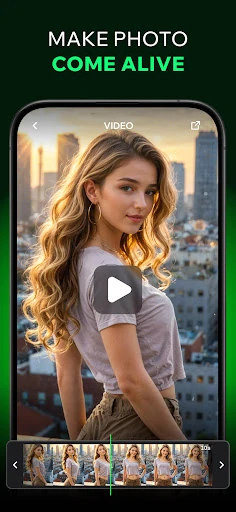
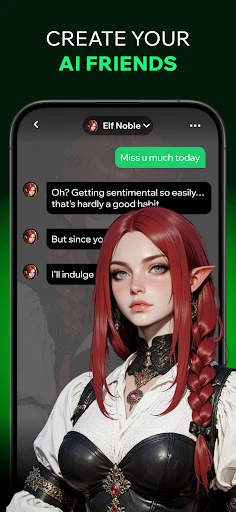
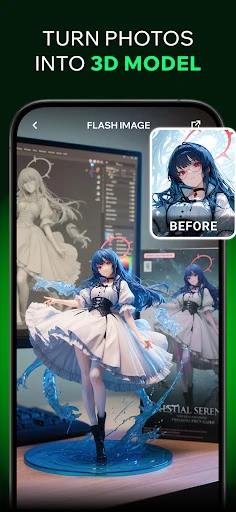
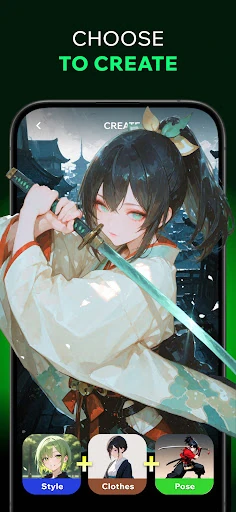
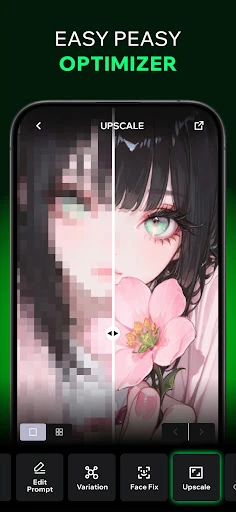
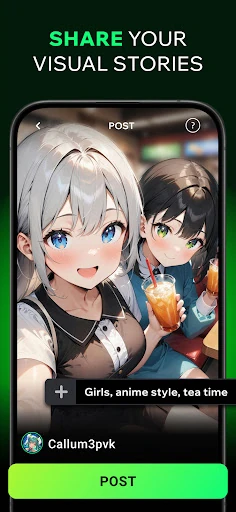
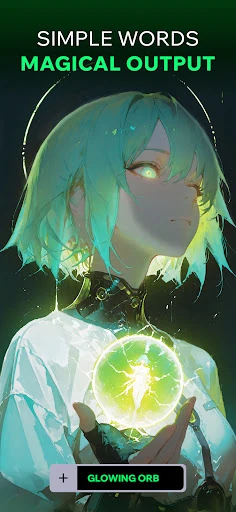
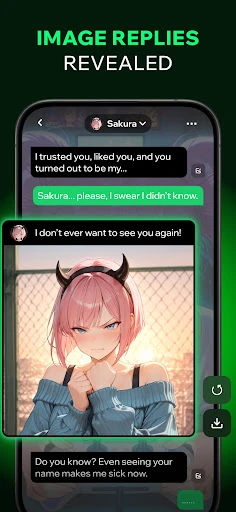
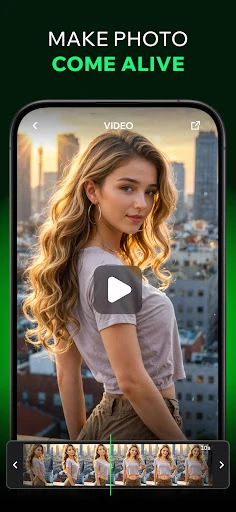
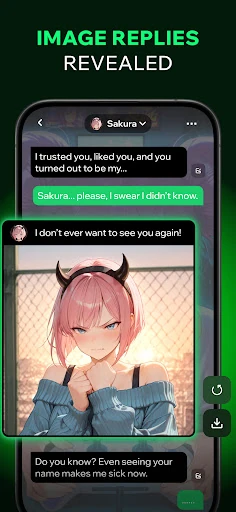
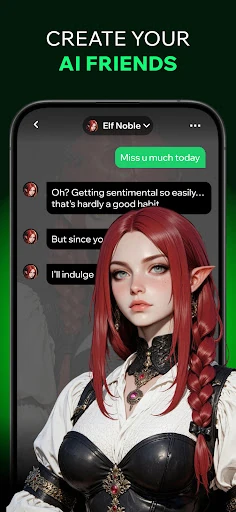
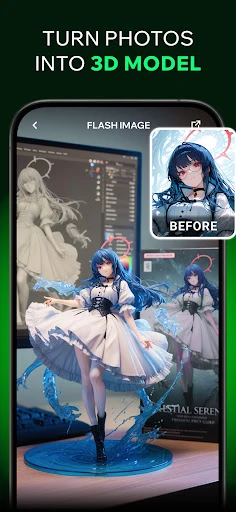
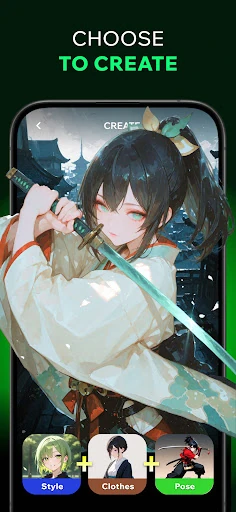
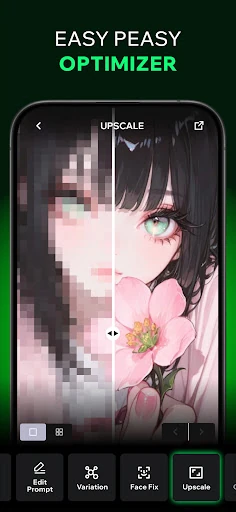
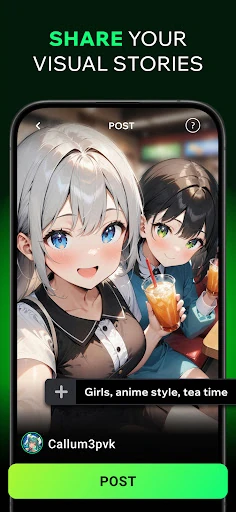
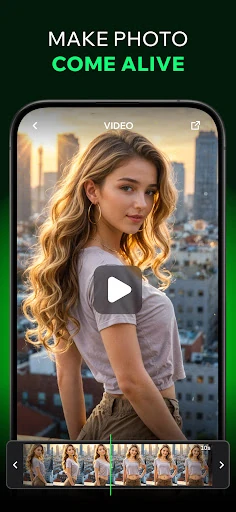
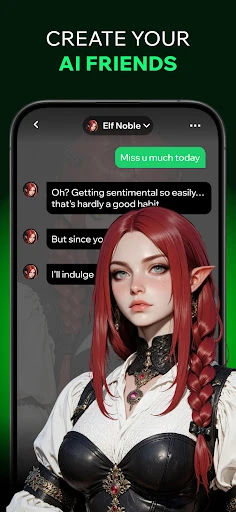
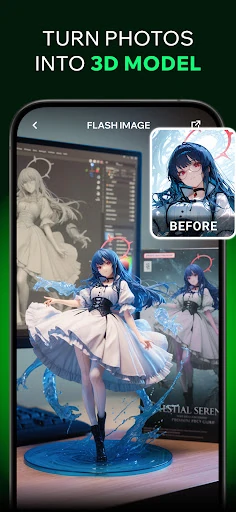
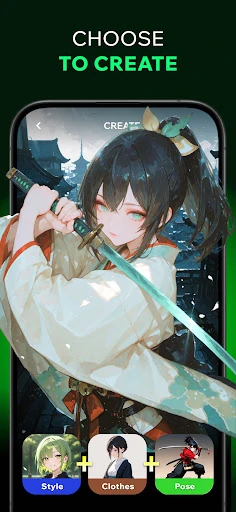
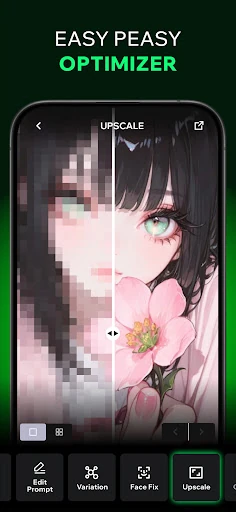
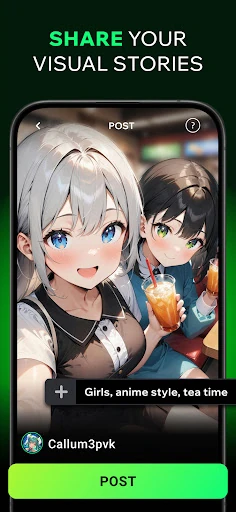
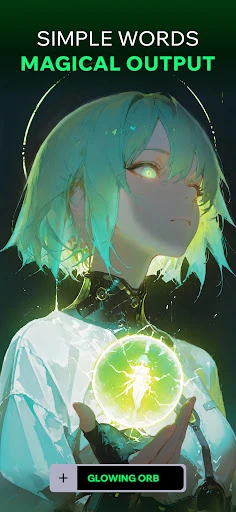
Click to download now, finish the installation quickly, and directly unlock the all-round experience
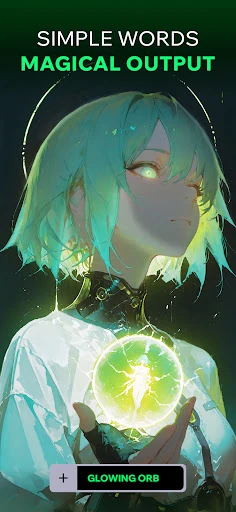
Spellai - AI Art Maker turns written ideas into AI-generated images. You can describe a scene or mood, then refine the result with further prompts rather than relying on a single carefully tuned instruction. It may suit people who want to explore visual ideas on a phone, whether for a personal project, a character concept or a post to share.
The chat-style approach gives you room to build on an idea in stages. That can be useful when you have a rough starting point but are not sure what details to add: describe the basics, look at the image and try another direction. Spellai also includes AI image editing and tools for turning images into video, so the creative session can move beyond a still picture.
Character creation adds another route in: you can make AI personas and use them for storytelling or role-play. A community gallery gives users a place to post work and browse other creations. These features make the app broader than a simple prompt-and-image tool, though they may matter less if you only want to generate an occasional illustration.
Spellai is aimed at experimenting and creating with AI, not at replacing a full desktop art or video-editing workflow. Its conversational process is a natural fit for trying variations in short sessions, while projects that need precise manual control may call for different tools. The mix of image making, editing, video and character features also gives you several ways to use the app, rather than one fixed purpose.
POLYVERSE INC. publishes Spellai in the Art & Design category. It has a 4.2-out-of-5 user rating from 30,584 reviews and more than 1,000,000 installs. Those figures suggest it has found a sizable audience, but whether it fits your routine depends on how often you want to make or adapt AI-generated visuals.